

Now Reading: Exchange Server 2019 Mailbox Database Error and Definitive Fix
-
01
Exchange Server 2019 Mailbox Database Error and Definitive Fix

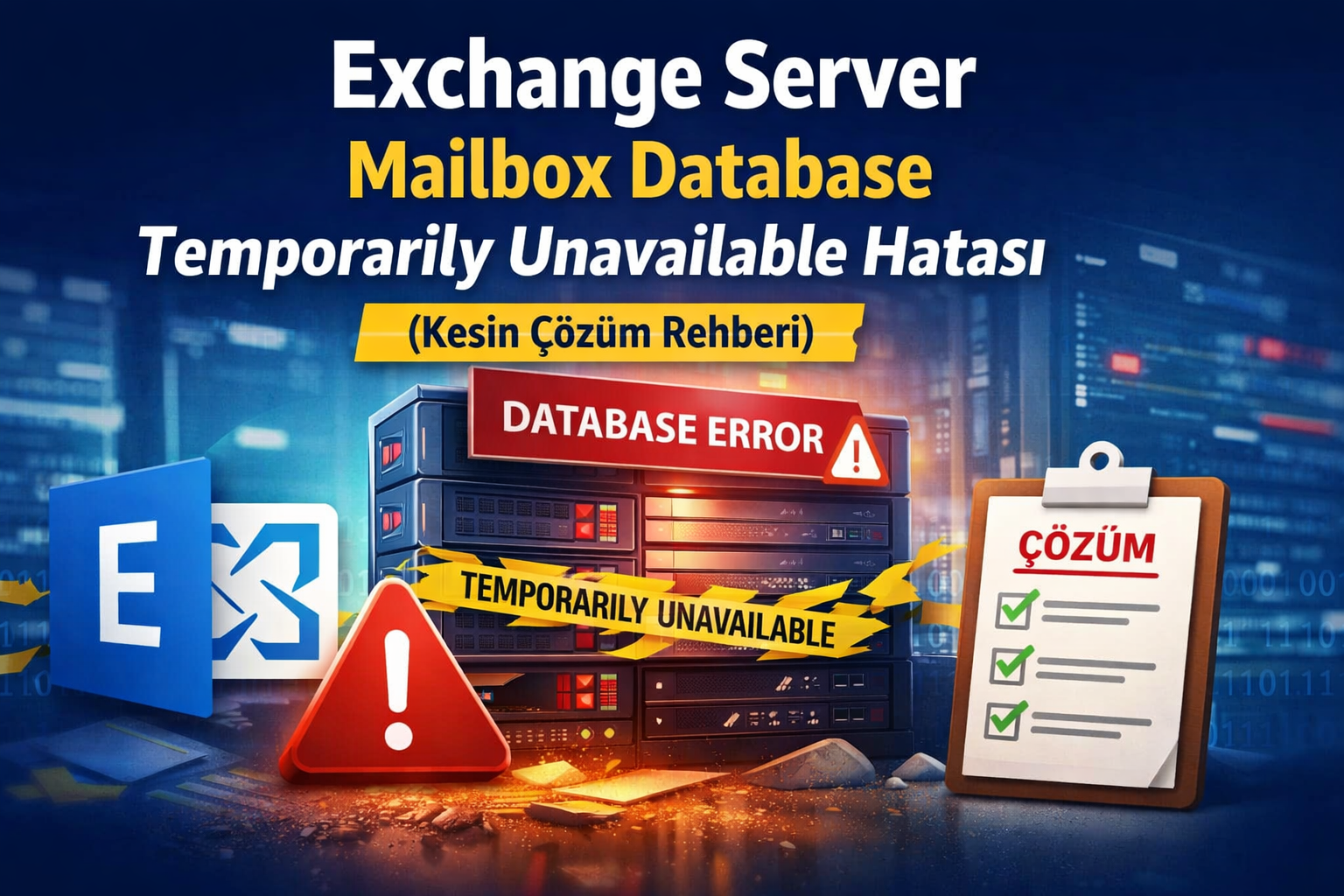
Exchange Server 2019 Mailbox Database Error and Definitive Fix Guide
This guide explains how to resolve the Exchange Server 2019 mailbox database error
that appears as “Mailbox Database Temporarily Unavailable”.
The issue prevents users from accessing Outlook Web Access (OWA) and mailbox services,
even though Exchange services may appear to be running normally.
The steps below are verified specifically for Microsoft Exchange Server 2019,
but the same logic also applies to Exchange Server 2016 environments.
Symptoms
- OWA not opening
- Mailbox access failure
- Exchange services running but users disconnected
- Database mount errors
- MailboxOfflineException messages
Microsoft.Exchange.Data.Storage.MailboxOfflineException
Microsoft.Mapi.MapiExceptionMdbOffline
The mailbox database is temporarily unavailable
Cannot open mailbox Microsoft System Attendant
Root Cause in Exchange Server 2019
In Exchange Server 2019, internal system mailboxes depend directly on a mounted mailbox database.
If a database enters Dirty Shutdown state, Exchange blocks mounting
to protect mailbox consistency.
Get-MailboxDatabase -StatusName Mounted
Mailbox Database Standard True
Mailbox Database Unlimited FalseWhy OWA Stops Working
Exchange Server 2019 requires system mailboxes such as:
- Microsoft System Attendant
- Arbitration Mailboxes
- Migration Mailboxes
If the database is offline, these mailboxes cannot initialize,
causing OWA and internal Exchange components to fail.
Main Reason: Dirty Shutdown
Dirty Shutdown occurs when Exchange Server 2019 stops unexpectedly before committing
all transactions to the database.
- Unexpected reboot
- Power outage
- Storage latency
- Backup interruption
- Disk I/O timeout
Check Database State
eseutil /mh "D:\DBASE\Mailbox Database\Mailbox Database.edb"If the result shows:
State: Dirty ShutdownThe database must be recovered before mounting.
Definitive Solution — Soft Recovery (Exchange 2019)
Step 1 — Identify Paths
Get-MailboxDatabase "Mailbox Database" | fl EdbFilePath,LogFolderPathStep 2 — Run Soft Recovery
eseutil /r E00 /l "D:\TLOG\Mailbox Database" /d "D:\DBASE\Mailbox Database"Expected output:
Operation completed successfullyStep 3 — Verify Clean Shutdown
eseutil /mh "D:\DBASE\Mailbox Database\Mailbox Database.edb"State: Clean ShutdownStep 4 — Mount Database
Mount-Database "Mailbox Database"Expected Result
- OWA operational again
- Mailbox access restored
- Exchange Server 2019 services normalized
- System Attendant errors resolved
Post-Recovery Checks
chkdsk D: /scan- Check MSExchangeIS logs
- Review ESE events
- Verify storage health
Best Practices for Exchange Server 2019
- Use Exchange-aware backup software
- Exclude database/log folders from antivirus
- Monitor disk latency
- Avoid forced shutdowns
- Maintain storage health monitoring
Quick Summary
| Problem | Cause | Solution |
|---|---|---|
| OWA unavailable | Database offline | Mount database |
| Mailbox database error | Dirty Shutdown | Soft recovery |
| Mount failure | Unreplayed logs | eseutil /r |
Conclusion
The Exchange Server 2019 mailbox database error may appear critical,
but in most cases it can be resolved safely using soft recovery.
Always attempt log replay before performing database repair operations.
Stay Informed With the Latest & Most Important News
Previous Post
Next Post








Reklam